
Days of dull and unclear photography have passed. Now you can convert your dull and unclear photo into a bright and clear one. AI can create your photo beyond your imagination. No matter how many mega pixels your camera is, where you captured the photo, in which pose your photo is, you can convert your photo however you want.You needed a very expensive camera for a beautiful professional photography before AI’s entry in photography. Now it is possible with the help of AI without any expensive camera,but it asks for a photo and a few sentences.
With Ai photo generator apps you are able to create photos with your favourite actor or actress. You can change the background into a river,garden,mountain or cloud. Now It is possible to give a cinematic effect to your photo. In India, the 80s Bollywood trend became so popular that every photography amateur tried the trend.
It is not a prerequisite to be skilled to use these tools. Beginners can also create effective photographs by means of the given tools.
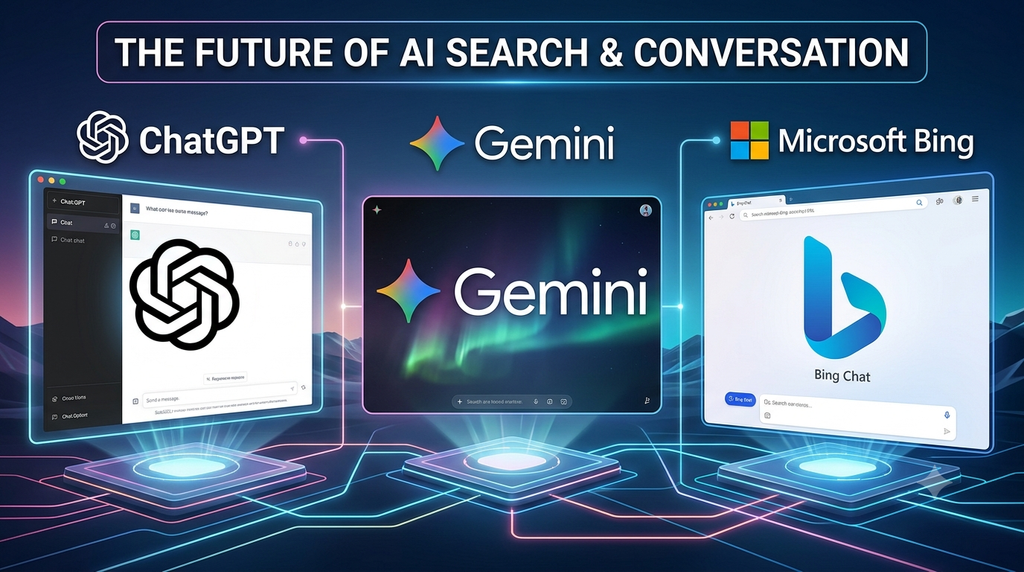
In the present article we will be familiar with top 3 AI photo generator tools in which you can pour your imagination and get an extraordinary result. You are able to make any legal change in your photo. Let’s know the first tool.
1. Chat GPT
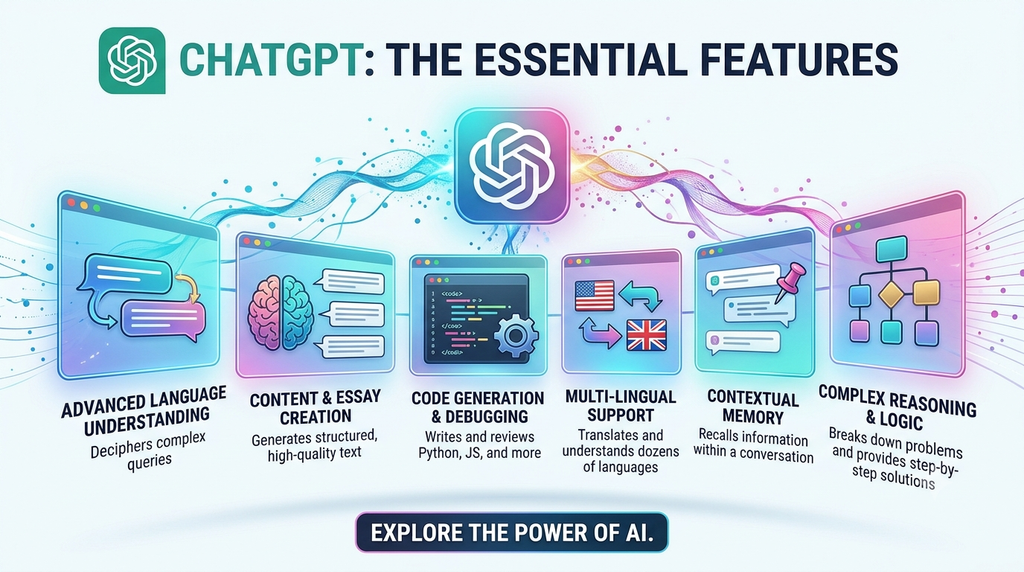
It is an easy and the most popular AI tool for creative photo generation. Chat GPT can respond to your question, summarise your content, prepare planning for teachers, draft questions paper, provide review and the most important regarding the article creating and editing photos. Whatever is in your mind, put before Chat GPT it tries for a solution.
We need to discuss photography here.
How to generate photos by means of ChatGPT:
- After opening ChatGPT select ‘Images’ option.
- Describe in detail how you want to generate photos.
- Just click the send button and wait for a while,some movement on the blank area will be seen. It indicates that your images are being prepared.
- As per your instructions you will get an image, sometimes it will not reach to your expectations. Then you can give additional instructions to improve your image
- ChatGPT will regenerate your image.
- If you don’t know how to write a prompt you can take Google’s help for beautiful photography.
- If your image is as per your expectations click on the Save icon which lays on the top.
If you are a YouTube content creator you can generate thumbnails for your videos. Your profile photos can also be created. It can save teachers time by generating banners or visual teaching aids, for photographers it’s a boon!
2. Google Gemini
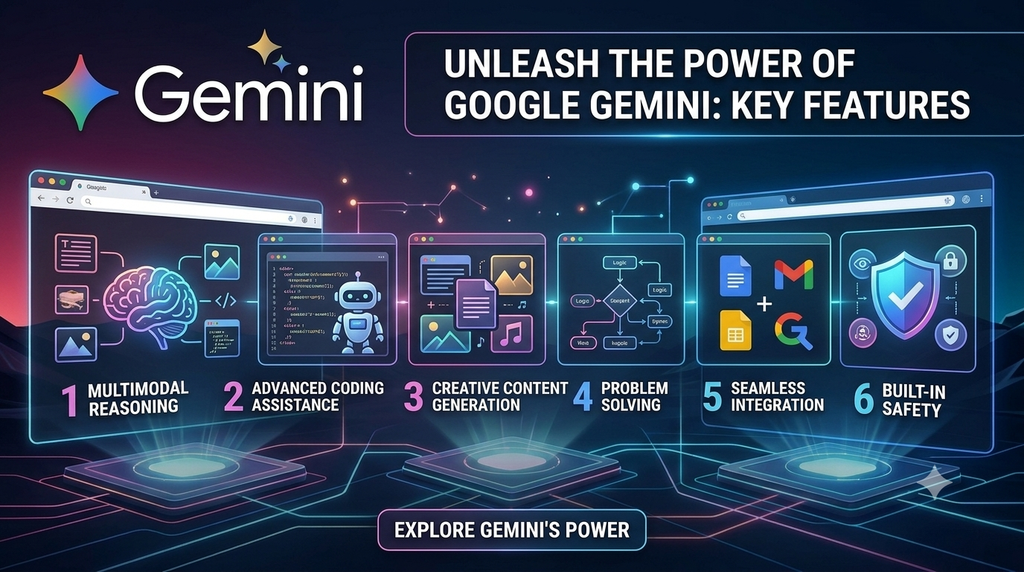
Google Gemini is also a powerful tool for generating images. It is well known for realistic image creation.
Whatever can be created with ChatGPT you can create with Google Gemini. You will get a bit better experience with it in realistic photography.
How to generate photos by means of Google Gemini :
- Open Google Gemini app or dive into https://gemini.google.com/ or you will find it in Google Chrome by clicking on nine dots at the right side.
- After opening Google Gemini click on the two horizontal lines at the left side and select images tab.
- Describe the image you want to generate or paste a prompt.
- The person who cannot write can also speak by clicking a mic sign.
- By clicking the plus button you can add your photo or file.
- Click on the send button which direction is up. ⬆️
- After clicking the send button you will see three moving dots.
- In some moments your image will be ready.
- You are able to regenerate your image or make the same changes you want.
- You will find three dots under your image. On clicking them you will get Branch in the new chat, Copy image, Download image, Export to docs and Draft in Gmail options.
- By clicking on the Download option your image will download to your device.
Another powerful tool is from Microsoft,Bing.
3. Bing
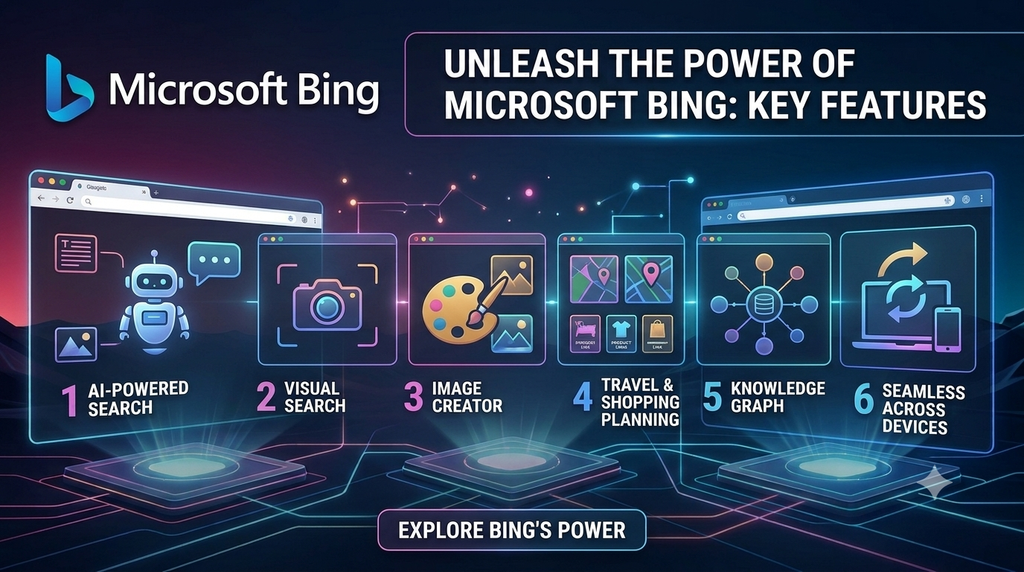
There are a number of ideas, category and templets available on Bing. You can restore old photos here. They can be used for enhancing, expanding and retouching your image. I like a feature of Bing that we need not think about ideas,ideas are already provided here. Explore different visual styles is a prime attraction of the tool.
You can create beautiful photos by downloading the bing app from Google play store or using the official website https://www.bing.com
How to generate photos by means of Bing :
- Open the app or official website https://www.bing.com/
- Sign in using your microsoft account.
- Among the five options below search button click on ‘Image Creator Create.’
- Various image styles are available here. You can select what you like. You are free to choose the aspect ratio as well.
- Enter the description as an image you want.
- Click create and wait for images.
- Select your favourite image and download it
You can create attractive photos here but the disappointing thing is that you can’t create unlimited free images here. For premium features you have to buy them.
ChatGPT, Google Gemini and Bing are powerful AI photo generators as per your need you can use out of them. The best thing about the tools is that they are free and can be used on mobile phones.
You need not to buy an expensive camera to create realistic photography. These tools will make all your work easier.